


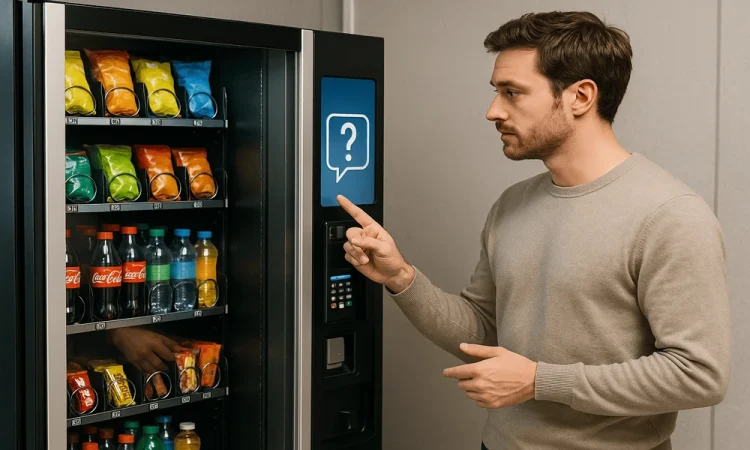

Think about one of those calls that you never want to receive during the week as a snack route operator. You have a customer who has a faulty card reader with the closest tech 40 minutes away by car. The old solution would be to travel out there. However, now all you have to do is turn on your computer. Go here and find out how.
Why Do Vending Routers Go Down?
The vending routers themselves are placed in an enclosed metal casing right next to the compressor, which cycles from heat to cool repeatedly. The steel housing blocks any cellular signals, and one wrong firmware update can make the system go down completely. If this occurs, then the card reader cannot communicate with the payment system. This stops any sales because only cash will work, but this will not become evident until complaints are received or no money is made that day. Resetting the router from afar removes any temporary memory and reconnects the modem with the closest tower.
What Should You Check Before You Restart It?
Before restarting your router, check a few things.
- You may feel like rebooting as soon as you get an alert, but hold on for a while. Look at your portal first.
- You need to see when the router last communicated. You can check its last check-in time for that.
- You also need to look at the data usage report to see if you exceeded your data limit.
- Make sure that your SIM hasn’t been turned off or that it hasn’t faced any suspension.
Don’t be fixated on the signal bars; instead, pay closer attention to the RSRP and SINR figures, as poor figures mean that the antenna is either in the wrong location or the nearest tower is not operating well, so a restart won’t help.
What Is The Procedure For Restarting The Unit From Your Desk?
In case the unit’s operating system freezes, the normal way to access the unit does not work. IDM control makes this problem irrelevant as it maintains a separate cloud channel to the device. You can perform a hard reset even if the system itself fails to respond.
- Sign in to your cloud portal.
- Pull up the router by machine ID or street address.
- Look at the status log to be sure it isn’t in the middle of an update.
- Send the remote reboot command.
- Give the modem two to five minutes to drop off, clear itself, and reconnect.
- Tap a real card on the reader, or ask whoever is on site to do it.
That last step is the one people skip. A router showing green doesn’t always mean the machine can actually take payment.
What If The Machine Has Shut Down?
The easiest answer is patience, since frequent resets can sometimes cause the modem to get trapped in a boot loop. You should allow a full five minutes before trying again. However, if the second try doesn’t work, check your carrier’s outage map and the status of your SIM card. Then you may either go here and contact customer support or visit to check the antenna wire.
Can You Prevent It?
Performing a factory reset is great, but it does not explain the freeze itself. The best option is to turn on notifications for offline devices and unexpected data surges and be notified about failures before your customers do. Create a record of devices that need resets. If a certain location frequently has issues with connectivity, consider either changing the router or moving the antenna outside of the cabinet. In fact, when you discard even three needless service missions per month, you actually end up saving considerable money on fuel, labour, and snack sales during lunch. The same process applies to smart lockers, kiosks, and micro markets.
Want Help Keeping Your Machines Online?
At IDM Wireless, our team specializes in designing 4G technology and platforms tailored specifically to help vending machine companies. Please go here to find out how to set up everything you need.